

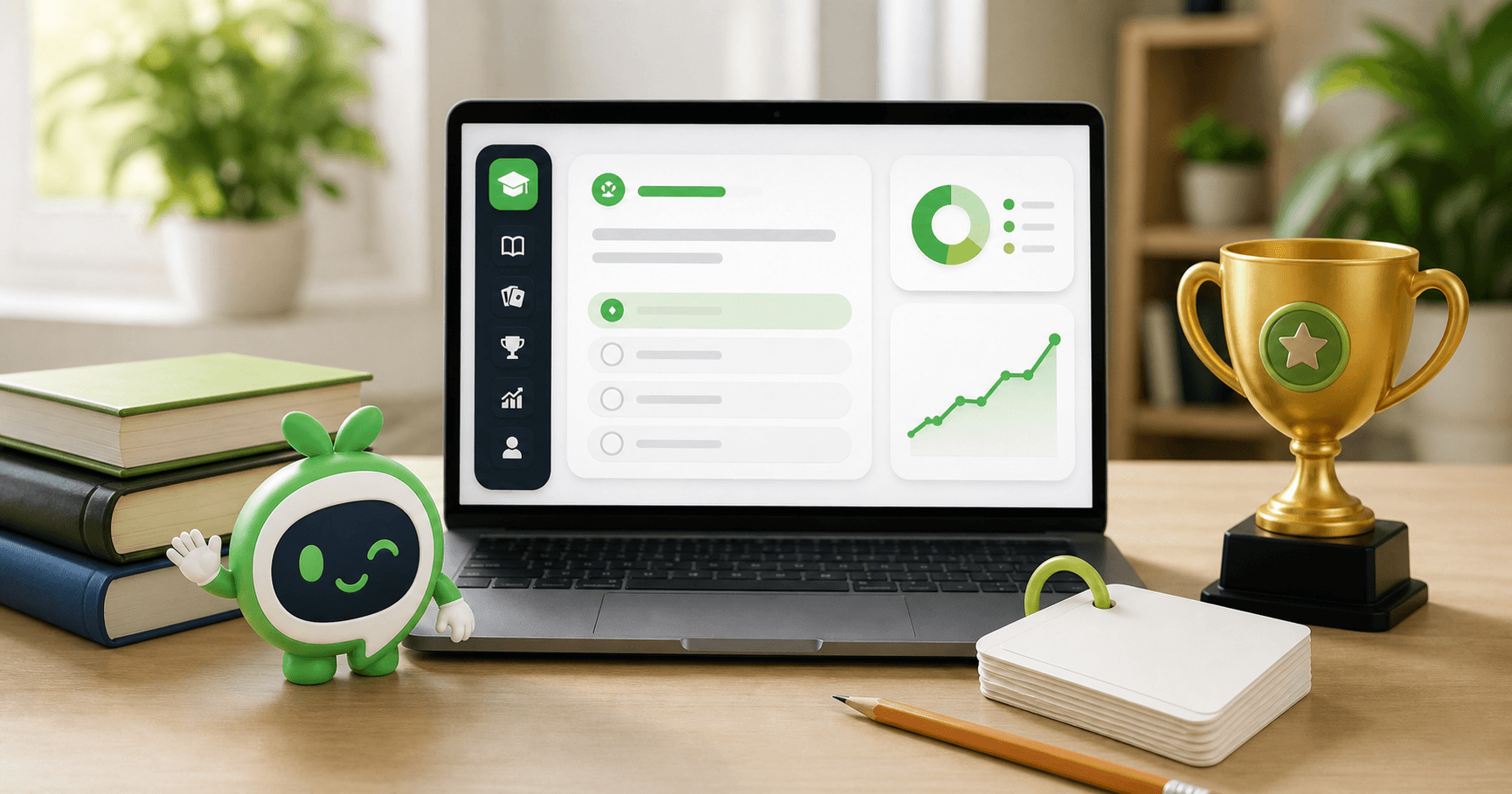
We are launching Quizst, an AI‑powered learning and practice platform built to help people move from reading to active learning.
Quizst brings together personalised AI quizzes, active‑recall flashcards, free public practice libraries, detailed performance analysis, challenges, contests and leaderboards. Whether you are revising a chapter, learning a professional concept, preparing for an exam or creating practice material for students, Quizst gives you a clear way to turn knowledge into action.
Ready to Ace Your Exam?
Create a quiz from any topic or practice from our question library. Review detailed results and improve each attempt.
Explore QuizzesInstead of treating learning as an endless collection of notes, Quizst helps you ask a more useful question:
What can I recall, apply and improve right now?
Quizst at a glance
- Generate a personalised quiz from a topic or pasted text.
- Create active‑recall flashcards with a front, optional hint and clear answer.
- Choose the learner level, difficulty, learning objective and content length.
- Practice in Normal, Sudden Death or Speed Quiz mode.
- Browse free public quiz and flashcard libraries without using generation credits.
- Save private quizzes, flashcard decks, attempts and study progress.
- Review scores, accuracy, time, difficult areas and individual answers.
- Challenge friends or join open community challenges.
- Take part in scheduled contests and climb global or contest leaderboards.
Why we built Quizst
Learners often use different tools for notes, quiz creation, flashcards, mock tests, results and group competition. That creates friction. Content becomes scattered, progress is difficult to understand and too much time is spent preparing to study instead of studying.
Quizst is designed around a simpler learning loop:
- Choose what you want to learn. Start with a topic, your own text or a free public collection.
- Shape the practice. Select the level, difficulty, format and learning goal.
- Practice actively. Answer quiz questions or recall flashcard answers before revealing them.
- Review the evidence. Use results and saved progress to decide what to study next.
- Repeat with focus. Retake a quiz, revisit difficult cards or create a more targeted practice set.
This loop makes Quizst more than an AI content generator. It is an online quiz and flashcard platform built for repeated, measurable practice.
Everything available in Quizst
| FeatureWhat it helps you doAvailability | ||
| AI quiz generator | Create a personalised quiz from a topic or pasted source text | Available now |
| AI flashcard generator | Build a private active‑recall deck from a topic or pasted source text | Available now |
| PDF generation | Turn readable PDFs into quizzes or flashcards | Coming soon |
| Free quiz library | Browse ready‑made questions by exam, subject and topic | Available now |
| Free flashcard library | Study published flashcard decks without generation credits | Available now |
| Quiz modes | Choose Normal, Sudden Death or Speed Quiz | Available now |
| Results and analysis | Review scores, time, accuracy and question‑level performance | Available now |
| Challenges | Create one‑to‑one or open challenges from completed quizzes | Available now |
| Contests | Join scheduled competitive quiz events | Available now |
| Leaderboards | Compare rankings across contests and time periods | Available now |
| Personal dashboard | Manage credits, quizzes, decks, results and account activity | Available now |
Create a personalised AI quiz
The Quizst AI quiz generator turns a clear learning goal into a structured practice experience.
You can begin with a simple topic such as Human Biology, World History or Business Basics, or paste your own notes to keep the generated quiz grounded in supplied material.
You can then configure the quiz around the learner and the purpose of the session.
Choose the right learner level
Quizst supports four learner levels:
- General - for clear, everyday learning.
- School - for core foundations and age‑appropriate vocabulary.
- University - for deeper academic concepts.
- Professional - for applied and workplace‑focused knowledge.
You can also add a learning objective such as:
- Identify the main causes
- Practice definitions
- Focus on practical examples
This gives the AI more context than a topic alone.
Mix question formats
Depending on the type of practice you need, a generated quiz can include:
- Single‑choice questions
- Multiple‑choice questions
- Numerical questions
- True‑or‑false questions
You can select one format for focused practice or combine formats to make the quiz more varied.
Control difficulty, length and timing
Choose an easy, medium or hard difficulty level, generate 5, 10, 15 or 20 questions, and set a 10, 20, 30 or 45‑minute time limit.
These controls make it easy to create anything from a quick revision round to a more demanding practice session.
Pick a quiz mode
Quizst offers three distinct modes:
| Quiz modeHow it worksBest for | ||
| Normal | Move between questions, review answers and submit when ready | Everyday study and mock practice |
| Sudden Death | One incorrect answer ends the attempt | High‑focus recall and accuracy challenges |
| Speed Quiz | Every question has its own server‑controlled deadline | Fast thinking and time‑pressure practice |
In Speed Quiz mode, you can choose 15, 30, 45 or 60 seconds per question. The deadline is controlled by the server, so refreshing the page does not reset the timer.
Go beyond a final score
A score is useful, but it should not be the end of the learning process.
Quizst saves generated quizzes and attempts so you can return to them and understand what happened.
After completing a quiz, you can review:
- Marks obtained and total marks
- Percentage and pass status
- Correct, incorrect and unanswered questions
- Total time taken
- Question‑by‑question responses
- Difficulty‑level performance
- Subject and section breakdowns where available
- Answer distribution and performance charts
- Feedback based on the result
You can revisit earlier attempts and compare performance over time.
This turns a quiz result into a practical revision plan: review weak concepts, create a focused follow‑up quiz and try again.
Build flashcards for active recall
Quizst also includes a dedicated AI flashcard generator.
Flashcards are not treated as smaller quizzes; they have their own study flow built around recall.
Every generated card has three parts:
- Front: one focused prompt.
- Hint: optional help without revealing the full answer.
- Back: a concise answer to review after attempting recall.
You can create a private deck from a topic or pasted text, choose General, School, University or Professional learner level, select easy, medium or hard difficulty, add a learning objective and generate between 5 and 40 cards.
During a study session, try to recall the answer before revealing it. If needed, request the hint.
Once the answer is visible, rate the card:
- Again - when the answer did not come to mind.
- Learning - when the idea is becoming familiar but still needs practice.
- Know It - when recall feels confident.
Quizst saves these ratings, shows a summary at the end of the round and keeps the deck available under My Flashcards.
You can shuffle the cards, reset progress and return for another active‑recall session.
Practice free with public libraries
AI generation is only one path through Quizst.
When you want to begin immediately, the public practice libraries provide ready‑made material without using generation credits.
The free quiz library organises questions by exam, subject and topic. You can search the library, move through structured collections and open individual questions with answers and explanations.
The public flashcard library provides published decks for direct study. These public collections remain separate from your private AI‑generated content.
This gives learners two clear options:
- Use AI credits to create personalised content around a specific goal.
- Open a free published collection for immediate practice.
Turn results into friendly challenges
Learning can become more motivating when it is shared.
After completing a personal quiz, you can create a challenge based on that result.
Choose a one‑to‑one challenge for a friend or an open challenge that other learners can discover.
Quizst creates a shareable link, and supported challenge settings can control visibility, attempts, expiry and entry conditions.
Challenges retain the quiz mode.
That means:
- Normal challenges reward complete performance.
- Sudden Death tests consistency.
- Speed challenges add per‑question pressure.
Challenge leaderboards then compare participants on the same quiz experience.
Join scheduled contests and leaderboards
Quizst contests provide a more structured competitive experience.
Contests can include:
- Registration windows
- Start and end times
- Duration limits
- Passing marks
- Difficulty settings
- Attempt limits
- Negative marking
- Immediate or delayed result visibility
Leaderboards are designed around transparent ranking rules:
- Higher marks rank first.
- When scores are equal, faster completion time ranks higher.
- If both score and time are equal, the earlier submission ranks first.
You can view contest‑specific rankings as well as weekly, monthly and all‑time global leaderboards.
This adds friendly competition without changing the core goal: better learning through deliberate practice.
Keep everything organised in one dashboard
Signed‑in learners have a dashboard for managing the complete Quizst experience.
From one place, you can:
- View your current credit balance and plan.
- Access saved AI‑generated quizzes.
- Continue available quiz attempts.
- Review recent and historical results.
- Open saved flashcard decks and mastery progress.
- Manage challenges you created, accepted or joined.
- Review purchases and account information.
- Access referral activity where available.
Personal AI generation uses credits, and the required amount is shown before you create a quiz or flashcard deck.
Browsing and studying published public libraries does not use generation credits.
Built for students, teachers and independent learners
Quizst is intentionally broad enough to support different learning contexts.
For students
Turn a chapter or set of notes into a focused quiz, practice within a time limit, review weak areas and repeat.
Flashcards provide a separate route for definitions, terminology and long‑term recall.
For teachers
Create a first draft of practice questions or recall cards from a lesson topic or supplied text.
Review AI‑generated material before sharing or using it in class, and use the learner‑level controls to match the intended audience.
For university and professional learning
Use deeper vocabulary, applied objectives and difficult question settings to practice academic or workplace concepts.
Short, focused sessions can make large subjects more manageable.
For anyone learning independently
Open the free libraries when you do not want to create anything, or generate a private set when your goal is specific.
Quizst is not restricted to one examination, country or subject.
Responsible AI is part of the experience
AI makes content creation faster, but generated material can still contain mistakes or misunderstand context.
Quizst reminds learners to review important facts and compare generated content with trusted books, course material, official documentation or qualified educators.
For best results:
- Use a specific topic instead of a single broad word.
- Add the intended learner level and learning objective.
- Paste focused source material when accuracy to your notes matters.
- Review every important answer before relying on it.
- Treat results as guidance for the next study session, not as a complete measure of ability.
What is coming next
PDF‑to‑quiz and PDF‑to‑flashcards workflows are visible in the product but are currently marked coming soon.
Once enabled, they will extend the same personalised generation flow to readable, text‑based PDF documents.
We will continue improving generation quality, study progress, public collections, competition and the overall learning experience while keeping the product focused and easy to use.
Start learning with Quizst
Quizst is live for learners who want a faster way to create practice, a clearer way to review performance and a more active alternative to repeatedly reading the same material.
Start with a topic. Paste your notes. Open a free quiz. Build a flashcard deck. Challenge a friend. Join a contest.
Most importantly, use every result to decide what to learn next.
Frequently asked questions
What is Quizst?
Quizst is an AI quiz generator and flashcard platform for personalised practice, free public learning collections, saved results, challenges, contests and leaderboards.
Is Quizst free to use?
Published quizzes and public flashcard decks can be studied without using AI‑generation credits.
Creating a new personalised AI quiz or flashcard deck uses credits, with the requirement displayed before generation.
Can I create a quiz from my own notes?
Yes. You can paste source text into the quiz generator and add optional instructions or a learning objective to keep the output focused on your material.
Does Quizst support PDF‑to‑quiz and PDF‑to‑flashcards?
PDF generation is currently marked coming soon. Topic‑based and pasted‑text generation are available now.
Are AI‑generated quizzes and flashcards always accurate?
No AI system is always accurate.
Review important questions, answers and flashcards against trusted sources before relying on them for high‑stakes learning.
What is the difference between a quiz and a flashcard deck?
A quiz records submitted answers and produces a score, timing data and performance analysis.
A flashcard deck asks you to recall an answer, optionally use a hint, reveal the answer and rate your familiarity for future study.
Can I compete with other learners?
Yes. You can create shareable one‑to‑one or open challenges from completed quizzes, join scheduled contests and appear on supported contest or global leaderboards.
Ready to Ace Your Exam?
Create a quiz from any topic or practice from our question library. Review detailed results and improve each attempt.
Explore Quizzes